
How to Schedule Bluesky, Mastodon and Threads Together
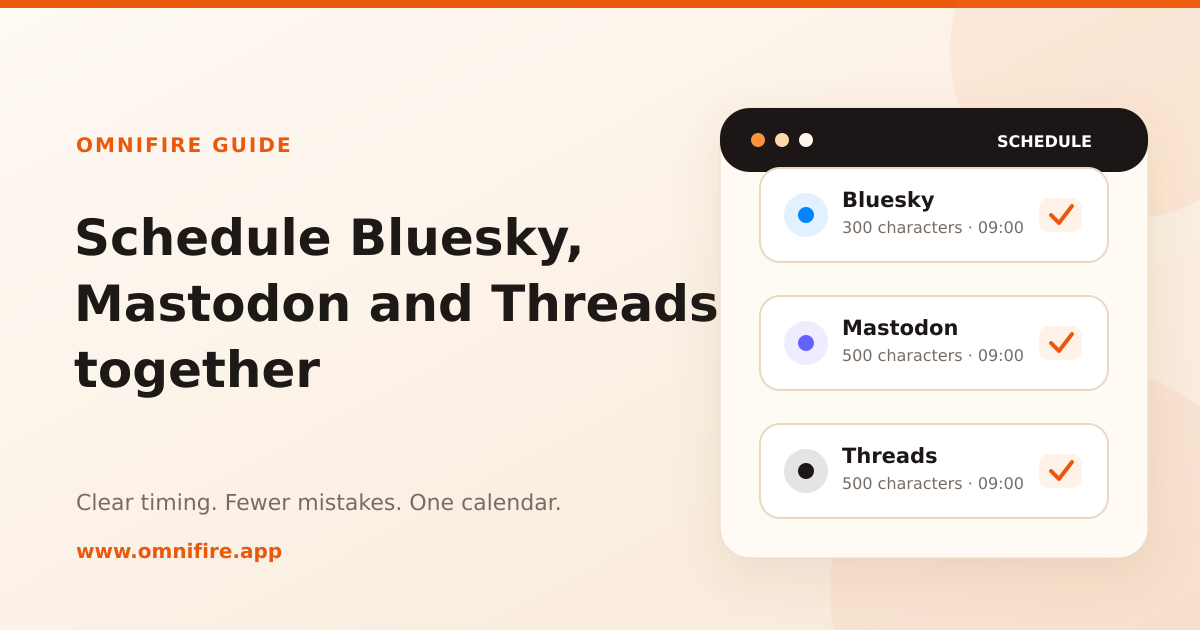
Bluesky, Mastodon and Threads often belong in the same publishing plan. The audiences overlap, the posts are short, and all three work well for conversation. The awkward part is that they do not handle text and media in exactly the same way.
You can schedule the same post to all three from OmniFire. A reliable result still depends on making a few choices before you pick the time. This is the workflow that avoids cut-off text, missing images and posts landing on the wrong local day.
The short version: keep the shared text within 300 characters, use no more than four images, choose the audience’s time zone rather than your own, and split a longer Threads version into a separate post.
Start with the limits the three platforms share
| Platform | Text used by OmniFire | What happens to longer text |
|---|---|---|
| Bluesky | 300 characters | Published as a chain of replies |
| Mastodon | 500 characters | Published as a chain of replies |
| Threads | 500 characters | Text past the limit is not published |
If one piece of text is going to all three, 300 characters is the useful limit. That keeps the wording identical everywhere and makes the post easy to review before it goes out.
Longer posts need a little more thought. OmniFire can split long Bluesky and Mastodon text into connected replies. It does not turn an overlong Threads post into a thread. If the extra detail matters on Threads, make a second version for Threads instead of assuming the end will follow in another post.
The same principle applies to media. Bluesky and Threads can accept more images, but Mastodon is the smaller common target at four. A set of one to four images is therefore the safest choice for a shared post. Video works on all three, although each platform has its own size and duration rules.
A practical scheduling workflow
1. Write the part that must survive everywhere
Put the point of the post in the first 300 characters. That includes the call to action and any link a reader needs. Do not use the final sentence to rescue an opening that takes too long to get started.
If you need more space, pick one of two approaches:
- Let Bluesky and Mastodon receive a reply chain, then prepare a separate Threads post.
- Keep the shared post short and link to the full article or announcement.
The first option suits a discussion that benefits from several short points. The second is better when the destination page already carries the detail.
2. Check the media once, against the strictest target
For a shared image post, use no more than four images and make the first one understandable on its own. In a reply chain, OmniFire attaches the media to the first Bluesky or Mastodon post, not every continuation. The opening image should therefore match the opening text.
For video, check the preview and the per-platform warnings before scheduling. A clip that is valid on one network can still be too long or too large on another.
3. Pick the audience’s time zone
In the schedule window, choose the time zone first, then the date and time. OmniFire stores both the exact moment and the named time zone, such as Europe/London or America/Toronto. The scheduled list keeps showing the time in the zone you selected, so a teammate does not have to guess which clock you meant.
This matters most around daylight-saving changes. A fixed “UTC-5” note goes stale when the local offset changes. A named zone follows the local clock automatically.
4. Review the calendar before leaving the queue
The scheduled publishing page has list and calendar views. Each post is placed on the calendar according to its own chosen time zone. Before the week starts, check for two common mistakes: several posts stacked on the same local hour, and a post that appears on the previous or next day because the wrong zone was selected.
You can reschedule or cancel a queued post from the same page. Cancelling returns it to the draft or review flow rather than deleting the content.
When one shared post is not the right answer
Cross-posting works when the message really is identical. If each community needs different context, make separate posts.
- Use separate posts for different local times. One scheduled post has one publishing moment. If London should see it at 09:00 and Toronto should also see it at 09:00 local time, create two scheduled posts.
- Use separate copy when Threads needs more than 300 characters. Bluesky and Mastodon can continue as reply chains; Threads needs its own edit.
- Use separate posts for community-specific language. A Mastodon instance, a Bluesky audience and a Threads following may respond to different examples even when the announcement is the same.
Reuse what is identical. Write separately for what is not.
A final check before scheduling
- The main point and link fit within the first 300 characters.
- The media works for all selected accounts, with no more than four images in a shared set.
- The chosen time zone belongs to the audience, not simply the person scheduling.
- The calendar shows the post on the intended local day.
- Any longer Threads copy has its own post.
These checks also make it easier for a teammate to review the queue later. For the full set of text limits across OmniFire’s publishing platforms, see the 2026 character-limit reference.